
Single Stat visualization
This page documents an earlier version of InfluxDB OSS. InfluxDB 3 Core is the latest stable version.
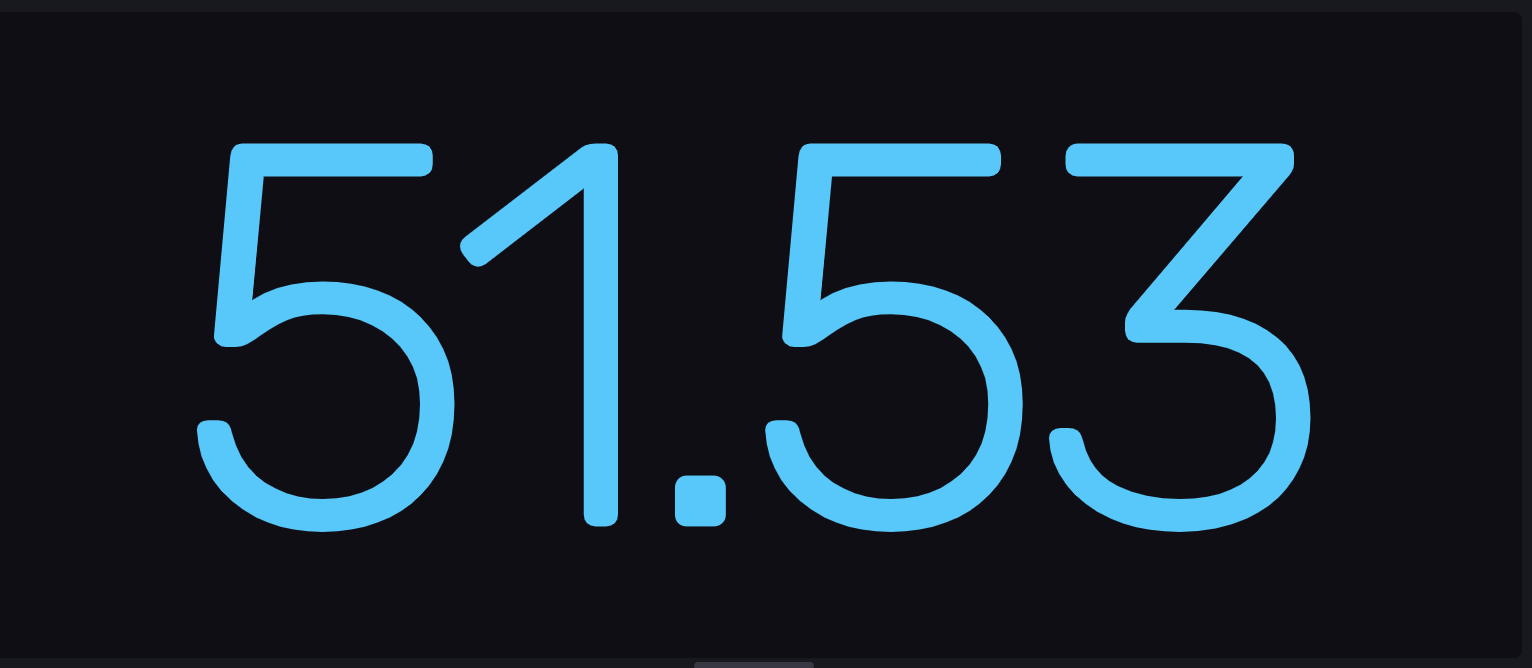
The Single Stat view displays the most recent value of the specified time series as a numerical value.
Select the Single Stat option from the visualization dropdown in the upper left.
Single Stat behavior
The Single Stat visualization displays a single numeric data point. It uses the latest point in the first table (or series) returned by the query.
Queries should return one table
Flux does not guarantee the order in which tables are returned. If a query returns multiple tables (or series), the table order can change between query executions and result in the Single Stat visualization displaying inconsistent data. For consistent results, the Single Stat query should return a single table.
Single Stat Controls
To view Single Stat controls, click Customize next to the visualization dropdown.
- Prefix: Prefix to be added to the single stat.
- Suffix: Suffix to be added to the single stat.
- Decimal Places: The number of decimal places to display for the single stat.
- Auto or Custom: Enable or disable auto-setting.
Colorized Thresholds
- Base Color: Select a base or background color from the selection list.
- Add a Threshold: Change the color of the single stat based on the current value.
- Value is: Enter the value at which the single stat should appear in the selected color. Choose a color from the dropdown menu next to the value.
- Colorization: Choose Text for the single stat to change color based on the configured thresholds. Choose Background for the background of the graph to change color based on the configured thresholds.
Single Stat examples
Show human-readable current value
The following example shows the current memory usage displayed has a human-readable percentage:
Query memory usage percentage
from(bucket: "example-bucket")
    |> range(start: v.timeRangeStart, stop: v.timeRangeStop)
    |> filter(fn: (r) => r._measurement == "mem" and r._field == "used_percent")
Memory usage as a single stat
Was this page helpful?
Thank you for your feedback!
Support and feedback
Thank you for being part of our community! We welcome and encourage your feedback and bug reports for InfluxDB and this documentation. To find support, use the following resources:
Customers with an annual or support contract can contact InfluxData Support.