
Telegraf Controller documentation
Telegraf Controller is in Public Beta
Telegraf Controller is in public beta and will be part of the future Telegraf Enterprise offering. While in beta, Telegraf Controller is not meant for production use. The Telegraf Controller documentation is a work in progress, and we are actively working to improve it. If you have any questions or suggestions, please submit an issue. We welcome any and all contributions.
Telegraf Controller is a centralized application for managing Telegraf deployments at scale. Use it to define configurations once and apply them consistently across fleets of agents. Monitor agent health and roll out updates without manually editing individual agents.
Key features
- Create and manage agent configurations
- Connect agents to Telegraf Controller
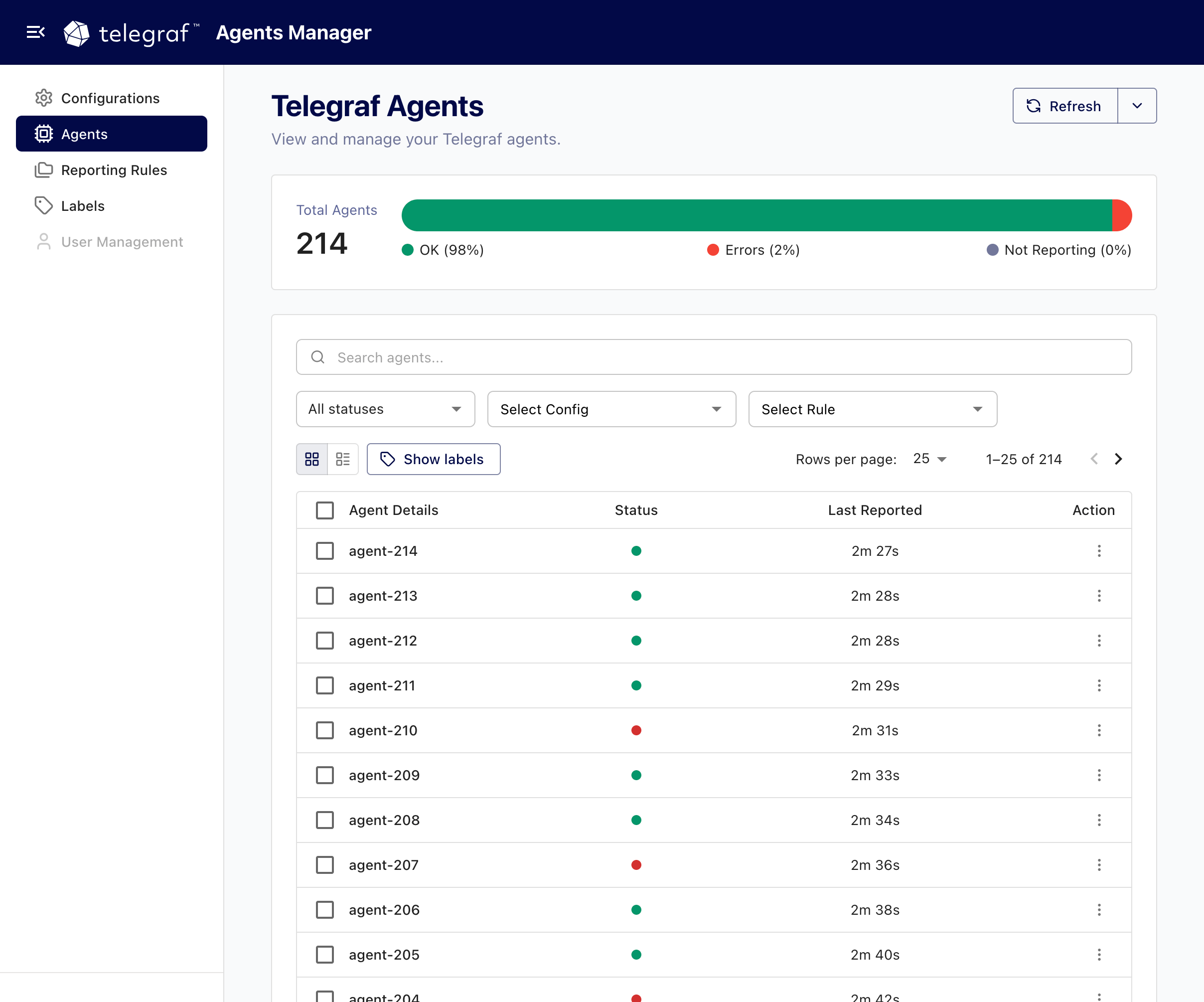
- Monitor the overall health of your agent deployment
- Roll out changes safely and verify agent status
- Apply custom logic to agents to identify when they are considered “not reporting”
Configuration and agent workflow
- Create and store Telegraf configurations in Telegraf Controller
- Start a Telegraf agent, pulling its configuration from Telegraf Controller, and have it regularly check for configuration updates.
- Agents use the Telegraf Heartbeat output plugin (available with Telegraf v1.37+) to report their status back to Telegraf Controller
- Telegraf Controller provides agent-specific and deployment-wide health information.
- When you update a configuration, agents see the change and load the updated configuration.
Install Telegraf Controller
Download and install Telegraf Controller on Linux, macOS, and Windows operating systems.
Manage Telegraf configurations
Use Telegraf Controller to create, update, and delete Telegraf configurations.
Manage Telegraf agents
Use Telegraf Controller to monitor the Telegraf agents that report through the heartbeat output plugin, view their details, and manage reporting rules.
Manage users
Manage user accounts in Telegraf Controller, including creating, updating, disabling, and deleting users.
Manage API tokens
Create and manage API tokens for authenticating API requests and Telegraf agent connections to Telegraf Controller.
Manage settings
Configure authentication requirements, login security, and password policies in Telegraf Controller.
Telegraf Controller reference documentation
Reference documentation for Telegraf Controller, the application that centralizes configuration management and provides information about the health of Telegraf agent deployments.
Was this page helpful?
Thank you for your feedback!
Support and feedback
Thank you for being part of our community! We welcome and encourage your feedback and bug reports for Telegraf and this documentation. To find support, use the following resources:
Customers with an annual or support contract can contact InfluxData Support.